
Adobe Journey Optimizer at a glance.
- Category
- Marketing · CRM · CX
- Role in the estate
- Owns customer, campaign and experience data - where consent, segmentation, lifecycle and channel orchestration live.
- Commonly connects with
- Commerce platforms · ERP · finance · AI · automation · intelligence · Data · BI
- Typical use cases
- Trigger transactional and behavioural emails from storefront events · Push customer profile and consent changes between CRM and Journey Optimizer · Suppress or un-suppress customers across channels when preferences change · Send order confirmation, dispatch and returns messages to the right audience
- Relevant services
- BuildSupportPIM and Data
What an Adobe Journey Optimizer integration gives you.
Behavioural events from the storefront reach Journey Optimizer cleanly, so email, SMS and push journeys trigger on browse, cart and purchase signals without delay.
Customer consent and preference records flow in one direction of truth. iWeb designs which system owns consent and ensures suppression rules are checked at send time.
Customer identity resolution happens at the integration layer, not in Journey Optimizer. Duplicate profiles are caught and merged before journeys run.
When a customer unsubscribes in Journey Optimizer, the signal flows back to the storefront, CRM and any other marketing channels so preference is respected everywhere.
Order confirmation, dispatch and returns messages flow from ERP or OMS into Journey Optimizer, ensuring customers hear about their orders on time and with the right context.
Where an Adobe Journey Optimizer integration earns its place.
If two or more of these are true, the integration usually pays for itself quickly.
Where off-the-shelf connectors fall short.
Vendor connectors are fine for simple cases. Here's where the real ones need more.
Journey Optimizer does not automatically capture ecommerce events like browse, add-to-cart or purchase. You must build an event feed or integration layer to push behavioural signals from the storefront.
by default, Journey Optimizer does not enforce a single consent model across all channels and sources. Duplicate or conflicting consent records can persist if source systems are not aligned.
Journey Optimizer does not auto-reconcile customers across anonymous, email and account-based identities. Mismatched or duplicate profiles can silently exist if identity rules are not clearly defined.
Journey Optimizer does not natively connect to ERP or OMS to ingest order, invoice or dispatch data. Manual API mappings or middleware are required to drive transactional messaging.
Segments created in Journey Optimizer may lag behind source truth in your CDP or CRM. Journey-driven actions can also create circular feedback if segment refresh is not bounded.
When Adobe Journey Optimizer may not be the simplest fit.
A short, honest list. Not a warning; just where a different shape of system usually costs less to run.
Unowned consent and identity models cause silent duplicate messaging and compliance risk; the integration must enforce a single source of truth before journeys run.
Where this integration sits in your estate.
Adobe Journey Optimizer holds the commercial record. The iWeb integration layer manages the rules, mappings, monitoring and exceptions. The commerce platform presents the customer-facing experience. The estate map helps agree ownership before anything is built.
Storefront independent. Adobe Journey Optimizer feeds stock, pricing, orders and customer data into your chosen platform.
- Journey design and workflow execution
- Real-time personalisation and branching logic
- Content rendering and message scheduling
- Send-time decisioning and frequency capping
- Behavioural event capture (browse, cart, purchase)
- Customer account and session identity
- Consent and preference centre presentation
- Campaign and promotion messaging on storefront
Systems this integration usually sits next to.
Examples, not a closed list. iWeb is platform-agnostic on both sides: we wire this integration into whatever ecommerce platform and surrounding systems your estate already runs.
- Adobe Commerce
- Magento Open Source
- Shopify Plus
- BigCommerce
- Other storefronts
- Salesforce CRM or Einstein
- CDP or first-party data platform
- ERP or OMS for transactional events
- Consent management platform
- Email service provider
- Storefront event stream or analytics
- WMS for dispatch notifications
Not sure if this works with your stack?
Tell us what you’re using and what needs to connect. We’ll give you a straight view on what’s possible, what might be awkward, and the safest way to approach it.
The data flows we wire.
Each flow has a direction and an owner. We agree both before a line of code is written.
How iWeb configures the integration around your business.
Same method on every integration. The decisions come before the code.
- 01Define the consent and identity model
We agree with you which system owns customer consent (CRM, CDP or Journey Optimizer), how consent changes propagate, and how identity is resolved across channels before any integration code runs.
- 02Build the event bridge from storefront to Journey Optimizer
We design the event schema, topic routing and error handling so that browse, cart and purchase signals flow cleanly from your ecommerce platform into Journey Optimizer journeys.
- 03Map customer and segment sync
We define how customer profiles, segments and audiences flow between Journey Optimizer, your CRM and CDP, with clear ownership and refresh schedules to avoid staleness.
- 04Wire up transactional and order messaging
We connect ERP, OMS or order-capture systems to Journey Optimizer so that confirmation, dispatch and returns messages trigger from the authoritative order record.
- 05Build monitoring and exception handling
We set up alerts for failed event delivery, unprocessed journeys, consent sync lag and suppression gaps so operations teams can spot and fix issues before customers notice.
Who owns what.
The single most important table in any integration. One system owns each field; everything else reads it.
Built customer experience flows before
iWeb has mapped customer engagement, consent governance and event-driven journeys across commerce estates dozens of times. We understand how Journey Optimizer sits alongside CRM, CDP, ecommerce platforms and operational systems, and where ownership boundaries need to be clear.
Enterprise digital commerce specialists since 1995
UK-based, employee-owned team
Adobe Gold Commerce Partner
ERP, PIM and operational integration experience
Build, replatform, rescue and long-term support
Platform-led where appropriate, integration-led across the wider estate
What we test before launch.
Every one of these is rehearsed before a customer ever sees the integration.
Common risks and where they bite.
We name these on day one. A risk written down is a risk you can plan around.
If the event feed from ecommerce to Journey Optimizer fails silently, journeys stop triggering. Customers see no follow-up after browsing or abandoning cart.
If multiple systems own consent rules, conflicting flags can persist. A customer unsubscribed in Journey Optimizer might still receive email if the CRM was not synced.
If identity resolution is weak, the same customer can exist twice in Journey Optimizer under different email addresses or accounts. They receive duplicate messages.
If segment refresh from CRM or CDP is slow or breaks, Journey Optimizer may target stale audience lists. Customers see campaigns aimed at their old behaviour.
If order data is not pulled from ERP or OMS, confirmation messages may be sent before order capture is certain. Customers get message for orders that fail.
If suppression updates do not sync back to the ecommerce platform, customers may still see promotional messaging on the storefront even after unsubscribing from email.
Relevant services and sectors.
Common questions about Adobe Journey Optimizer integrations.
How do behavioural events from the storefront trigger journeys in Journey Optimizer?
iWeb builds an event feed that captures browse, add-to-cart, purchase and account events from your ecommerce platform and forwards them to Journey Optimizer in real time. Journey Optimizer uses these events to trigger entry conditions for journeys, so email, SMS and push follow customer actions automatically. The integration includes retry logic and dead-letter handling to ensure events are not lost if Journey Optimizer is temporarily unavailable.
Which system owns customer consent and how do we avoid duplicate suppression rules?
iWeb agrees with you before any build which system owns the source of truth for consent: your CRM, a dedicated consent management platform, or Journey Optimizer itself. We then design a one-way or two-way sync to keep consent consistent. Unsubscribes from Journey Optimizer are treated as the source event and pushed back to the CRM and storefront; CRM changes are treated as updates to Journey Optimizer. This avoids conflicting rules and ensures suppression is checked at send time.
How do we handle customer identity across anonymous, email and account-based visitors?
iWeb defines identity resolution rules at the integration layer, not in Journey Optimizer. We map how anonymous behaviour (tracked by session ID or cookie) links to known email or account profiles when a visitor logs in or provides an email. This prevents duplicate customer records in Journey Optimizer and ensures journeys follow a single identity thread through the customer lifecycle.
What happens if an unsubscribe in Journey Optimizer is not propagated to the storefront?
iWeb builds monitoring and alerts so that suppression changes are tracked in real time. If an unsubscribe does not reach the storefront or CRM within a defined SLA, an alert fires and the integration team is notified. We also build a reconciliation job that periodically checks for drift between Journey Optimizer suppression flags and upstream systems.
How do order confirmations and dispatch notifications reach the customer without delay?
iWeb connects your ERP, OMS or order-capture system to Journey Optimizer so that order and dispatch events trigger Journey Optimizer workflows automatically. For example, when an order is confirmed in ERP, an event flows to Journey Optimizer to start a confirmation-email journey. This avoids manual email triggers and keeps messaging in sync with authoritative order state.
Can Journey Optimizer and our CRM both own segments, or should there be one source?
iWeb recommends one source of truth for segments to avoid staleness and conflict. If your CRM is the primary segmentation engine, we sync segments to Journey Optimizer on a defined refresh schedule and mark them read-only in Journey Optimizer. If Journey Optimizer is the primary, we build a reverse sync back to the CRM for operational reporting. Mixing ownership without clear governance causes segment lag and targeting mismatches.
How do we ensure behavioural events do not overwhelm Journey Optimizer or add latency to checkout?
iWeb designs event flow to be asynchronous and non-blocking. Events are captured on the storefront and queued via an event broker or message stream (e.g. Kafka, AWS SQS, Azure Service Bus), then delivered to Journey Optimizer at a steady, tuned rate. If Journey Optimizer is slow, events remain in the queue until capacity is available. This prevents storefront performance degradation and ensures no event is lost.
What happens to journeys if customer profile sync fails between CRM and Journey Optimizer?
iWeb builds alerting and fallback logic. If customer sync fails, the integration stops and notifies operations. We define a fallback period: journeys can run on cached customer data for a defined window (e.g. 24 hours), but a manual override is required before sending beyond that. Once sync is restored, fresh customer data is re-synced. This prevents both silent failures and stale-data messaging.
How do we comply with GDPR and data-deletion requests across Journey Optimizer and other systems?
iWeb designs a deletion workflow that begins with CRM or consent-management input. When a customer requests deletion, a deletion event flows to Journey Optimizer to suppress the customer, remove them from segments, and stop journeys. Simultaneously, a deletion job runs in ERP, CDP and any other systems holding customer data. iWeb builds monitoring to ensure deletion is completed across all systems within a defined compliance window.
Can behavioural events trigger different journeys depending on customer segment or purchase history?
Yes. Journey Optimizer uses conditional logic to route journeys based on customer attributes, segment membership and prior events. iWeb designs the event schema so that all necessary context (customer ID, segment flags, purchase history, account type) flows with each behavioural event. Journey Optimizer then uses these attributes in entry conditions and journey branches to send contextual, personalised messaging.
How often should customer and segment data sync between CRM and Journey Optimizer?
iWeb designs sync frequency based on your use case. For real-time consent and suppression changes, we build event-driven sync so updates propagate immediately. For segment refreshes, we typically use a scheduled job every 4-6 hours unless your business requires more frequent updates. The trade-off is between freshness and API quota. iWeb monitors sync latency and alerts if any sync window is missed.
What should we do if a customer appears in Journey Optimizer but not in our CRM?
iWeb builds a reconciliation check that runs daily or weekly to spot orphaned customers in Journey Optimizer. When an orphan is found, an alert is raised and the record is quarantined from journeys until the CRM is updated or the orphan is manually resolved. This prevents messages being sent to incomplete or unverified customer records.
How do we test that journeys send the right message to the right segment after an integration launch?
iWeb builds test journeys using seed customer records and test segments. Before go-live, we send test events and confirm that journeys trigger, render the correct message and log the delivery. We also test failure scenarios: what happens if the event stream fails, if a customer is deleted mid-journey, or if a segment is stale. All results are logged so pre-launch testing is auditable.
Projects with a similar shape.

A hybrid foodservice marketplace built around trade accounts, product data and fulfilment.
Foodservice trading extended through marketplace capability, cleaner data and account-led ordering.

JLR worldwide lifestyle D2C retail storefront.
A worldwide lifestyle retail storefront for Jaguar Land Rover on Adobe Commerce and Akeneo PIM, with SAP ERP, multi-depot inventory and in-store boutique POS supporting campaign trading and brand-led merchandising.
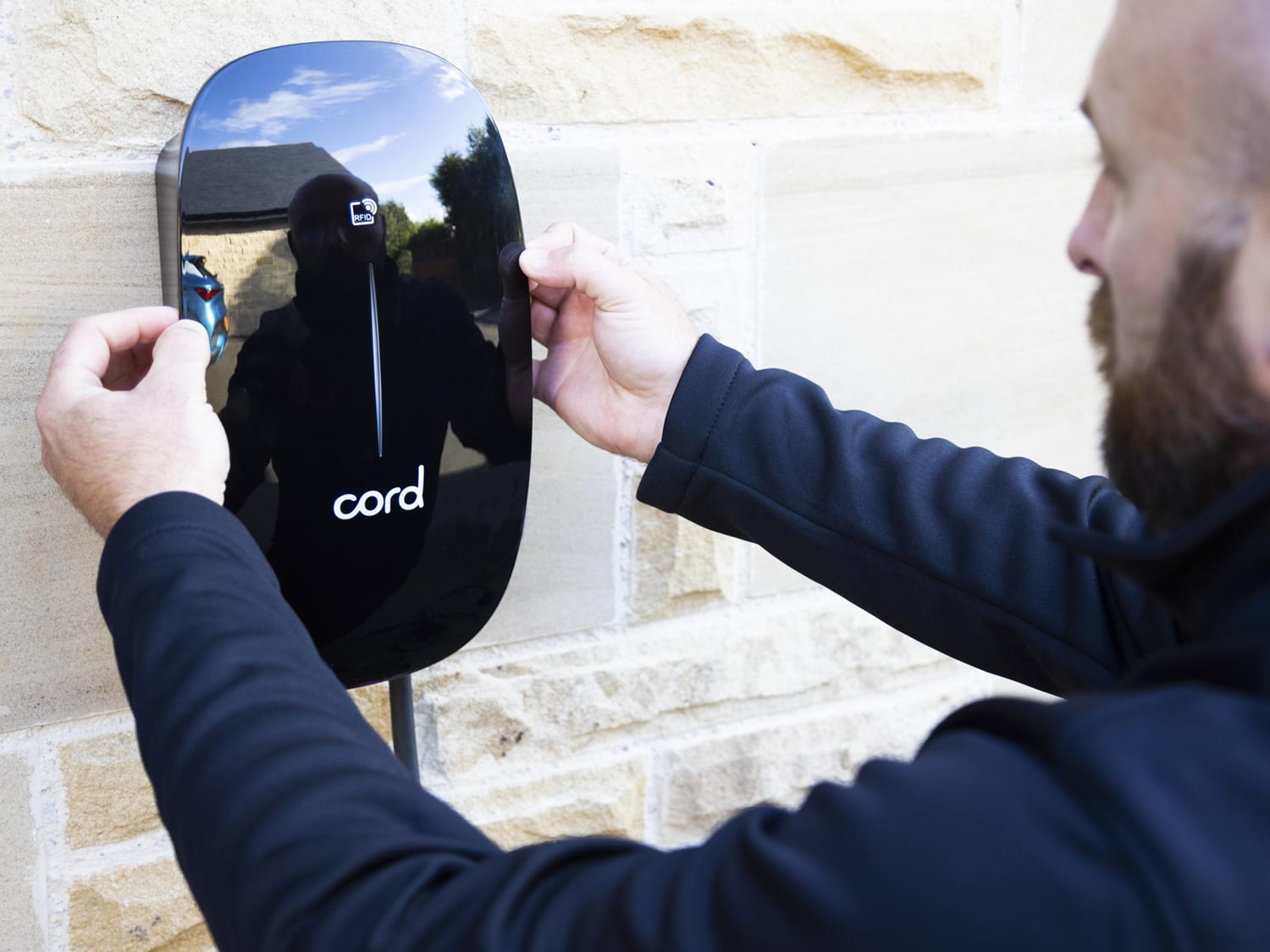
An EV charger commerce experience rebuilt around product choice, installation and customer checkout journeys.
EV charger sales supported by updated trading, traffic activity and a clearer customer experience.