
UpShop FreshIQ at a glance.
- Category
- POS · retail · branch systems
- Role in the estate
- The trade counter, till and branch system - owns walk-in transactions, click-and-collect touch points and often the local customer relationship.
- Commonly connects with
- Commerce platforms · ERP · finance · OMS · order management · Payments
- Typical use cases
- Branch stock visibility feeds ecommerce availability and click-and-collect readiness · Local branch pricing rules sync with ecommerce without overwriting base pricing · Till transactions and customer accounts reconcile with central ecommerce and ERP records · Click-and-collect orders route from ecommerce into branch workflows and stock allocation
- Relevant services
- BuildSupportPIM and DataRescue
What an UpShop FreshIQ integration gives you.
Ecommerce customers see accurate branch availability and can confidently order for click-and-collect. Staff on the shop floor see online orders in the till queue and branch stock stays in step with ecommerce promises.
Local pricing rules apply at branches without breaking base pricing in ecommerce or the finance ledger. Price changes propagate safely and overrides are audited.
Branch transactions post to ERP, customer accounts stay linked across channels, and reconciliation exceptions are visible instead of building up in backlog queues.
Orders move from ecommerce into branch workflows, staff see notifications and pick status, customers receive tracking and can collect without the order getting lost between systems.
Branch managers and ecommerce teams know who owns stock allocation, pricing changes and account rules. Failures and exceptions are addressed by rule, not by phone calls and spreadsheet patches.
Where an UpShop FreshIQ integration earns its place.
If two or more of these are true, the integration usually pays for itself quickly.
Where off-the-shelf connectors fall short.
Vendor connectors are fine for simple cases. Here's where the real ones need more.
FreshIQ holds branch stock but does not automatically reserve inventory for ecommerce orders or manage allocation buffers across online and in-store demand. Explicit allocation rules and monitoring must be designed and maintained.
Local branch pricing can override base pricing, but FreshIQ does not prevent conflicts or flag when branch prices drift outside policy. Ownership of price changes and approval workflows must be defined explicitly.
FreshIQ captures till transactions but does not automatically post them to ERP general ledger or match them against payment records. Reconciliation batching and exception handling must be managed outside the system.
Orders marked for branch fulfilment do not automatically trigger picking or confirmation; branch staff must acknowledge and mark orders ready. Timeout and escalation rules must be built into the order workflow.
Trade and retail customers can exist in both FreshIQ and ecommerce separately. Account merge, duplicate detection and unified identity rules require integration logic and ongoing monitoring.
When UpShop FreshIQ may not be the simplest fit.
A short, honest list. Not a warning; just where a different shape of system usually costs less to run.
The operational risk is silent stock allocation failures and pricing drift where branch and ecommerce operate as silos; governance and monitoring must span both channels or inventory and customer confidence erode quickly during peak.
Where this integration sits in your estate.
UpShop FreshIQ holds the commercial record. The iWeb integration layer manages the rules, mappings, monitoring and exceptions. The commerce platform presents the customer-facing experience. The estate map helps agree ownership before anything is built.
Platform-agnostic by design. UpShop FreshIQ sits at the centre of your estate, not at the edge of one platform.
- Branch stock levels and availability
- Local pricing rules and trade-account pricing
- Till transactions and in-store payments
- Fresh-item expiry and lot-number tracking
- Label generation and printing
- Click-and-collect order confirmation
- Online product catalogue and merchandising
- Ecommerce checkout and order placement
- Ecommerce customer accounts and identity
- Stock availability to online customers
- Customer order status and tracking
- Online promotions and pricing display
Systems this integration usually sits next to.
Examples, not a closed list. iWeb is platform-agnostic on both sides: we wire this integration into whatever ecommerce platform and surrounding systems your estate already runs.
- Adobe Commerce
- Magento Open Source
- Shopify Plus
- BigCommerce
- Other storefronts
- ERP (stock, pricing, customer accounts, finance reconciliation)
- OMS (order routing, click-and-collect orchestration)
- Ecommerce platform (checkout, catalogue, customer identity)
- PIM (fresh-item attributes, labelling rules, product content)
- WMS or branch inventory (stock levels, adjustments, stock takes)
- Payment processor (till payment reconciliation)
Not sure if this works with your stack?
Tell us what you’re using and what needs to connect. We’ll give you a straight view on what’s possible, what might be awkward, and the safest way to approach it.
The data flows we wire.
Each flow has a direction and an owner. We agree both before a line of code is written.
How iWeb configures the integration around your business.
Same method on every integration. The decisions come before the code.
- 01Design allocation and stock buffering logic
iWeb defines how much stock each channel reserves, which orders go to which branch, and how real-time stock changes flow back to ecommerce without overselling or blocking legitimate orders.
- 02Map pricing ownership and local overrides
iWeb establishes which pricing lives in ERP, which gets applied at the branch, and how price changes are approved, published and monitored so no channel gets unexpected pricing surprises.
- 03Build click-and-collect handoff workflows
iWeb implements the order routing, branch notification, picking and confirmation flows so customers can order online, collect in-store, and staff have clear operational cues without manual intervention.
- 04Handle till reconciliation and exception queuing
iWeb builds the daily till-to-ERP posting, payment matching, customer transaction recording and exception handling so financial records stay accurate and unprocessed transactions surface before they become backlog.
- 05Resolve customer account and trade-account linkage
iWeb links retail and trade accounts across FreshIQ and ecommerce, prevents duplicates, and publishes account-level credit and pricing rules so branch staff and ecommerce see the same customer record.
Who owns what.
The single most important table in any integration. One system owns each field; everything else reads it.
Built this before
iWeb has integrated branch systems and ecommerce platforms for retailers of all sizes. We understand the operational tensions between in-store stock, local pricing, till reconciliation and ecommerce availability, and we know how to keep them governed and visible.
Enterprise digital commerce specialists since 1995
UK-based, employee-owned team
Adobe Gold Commerce Partner
ERP, PIM and operational integration experience
Build, replatform, rescue and long-term support
Platform-led where appropriate, integration-led across the wider estate
What we test before launch.
Every one of these is rehearsed before a customer ever sees the integration.
Common risks and where they bite.
We name these on day one. A risk written down is a risk you can plan around.
When branch stock is not reserved during ecommerce checkout, multiple orders can claim the same inventory. Click-and-collect orders then fail at the branch because stock is not there, causing customer refunds and operational disruption.
Staff apply local discounts or trading rules in FreshIQ that do not flow to ecommerce, or ecommerce runs a promotion that is not reflected at the branch till. Customers see different prices depending on channel, causing returns and complaints.
When till data does not reconcile daily with ERP, cash receipts, customer balances and inventory adjustments accumulate in FreshIQ but miss the financial ledger. Month-end reconciliation becomes chaotic and unaccounted cash sits in the system.
Orders marked for branch collection reach FreshIQ but branch staff do not see them, or confirmation does not flow back to ecommerce. Customers wait for notification that never arrives, support escalates, and orders are eventually cancelled late.
A customer buys online, then comes into the branch with a trade account, but the two identities are not linked. Returns become confused, loyalty or account credit is not recognised, and staff cannot see the full customer history.
Stock adjustments recorded in FreshIQ (damaged goods, stock takes, shrink) do not flow back to ecommerce in real time. Ecommerce continues to show stock that has actually been removed, leading to further oversell and customer disappointment.
Relevant services and sectors.
Common questions about UpShop FreshIQ integrations.
How do we stop ecommerce from selling stock that is already in-store hands?
iWeb designs stock allocation so ecommerce checkout holds inventory only from pools earmarked for ecommerce, and branch stock is reserved separately. Real-time stock updates from FreshIQ flow back to ecommerce so available-to-promise is accurate. Exception handling flags oversells so they surface before orders are committed.
Can a branch apply its own pricing without breaking ecommerce?
Yes. iWeb establishes a pricing hierarchy where base pricing lives in ERP, branches can apply local rules within approval bounds, and ecommerce displays base pricing unless a customer buys in-store. Price change workflows define who approves, who publishes, and how exceptions are caught.
Do till transactions automatically reconcile with ERP?
Not by default. iWeb builds daily reconciliation batches that post till transactions to ERP, match them against payments and customer accounts, and flag exceptions for manual review. Reconciliation timing and escalation rules are designed before launch.
How does click-and-collect flow from ecommerce into branches?
iWeb configures the OMS or fulfilment system to recognize click-and-collect orders, route them to the requested branch, trigger a notification in FreshIQ or the branch till, and expect branch confirmation before the customer is notified as ready. Status flows back to ecommerce so customers see accurate collection timings.
What happens if a customer buys online and comes to the branch with a trade account?
iWeb links retail and trade accounts so a single customer can be recognized across channels. Account-level credit, pricing and history are unified. This requires account matching rules and periodic duplicate detection so the same person is never held twice.
How do we make sure stock adjustments at the branch do not oversell online?
Who owns the rules for which orders go to which branch?
Allocation rules live in the OMS or fulfillment service. iWeb defines the rules (distance, stock, capacity, delivery promise) and sets up monitoring so rule changes are tested before they go live and failures are visible.
What if the till system goes down mid-day?
iWeb designs the till-to-ERP link so FreshIQ can store transactions locally during an outage and replay them to ERP when connectivity returns. Reconciliation is idempotent so replayed transactions do not duplicate entries. Monitoring alerts staff if posting falls behind.
How do we prevent duplicate customer records in FreshIQ and ecommerce?
iWeb implements account matching logic that keys on email, phone or loyalty ID, and runs periodic duplicate detection. Matched accounts are linked so staff and ecommerce see the same customer record. Manual review handles true duplicates.
Can we run a promotion in ecommerce and a different one in-store?
iWeb can support separate promotions if the system architecture allows (promotions engine separate from pricing). Typically, a single promotion is preferred to avoid customer confusion. If separate promotions are needed, governance rules and monitoring must ensure they do not overlap or conflict unexpectedly.
How do returns work if a customer bought online but wants to return in-store?
iWeb links the original online order to the branch system so a customer can walk in with a receipt and initiate a return. The return is recorded in FreshIQ and flows back to ecommerce and ERP so the refund, restocking and inventory adjustment are coordinated.
What visibility do we get into integration failures?
iWeb builds dashboards and alerts so you see till posting failures, stock sync delays, order routing failures and account-linking mismatches in real time. Daily monitoring reports and escalation queues ensure nothing silently breaks during peak trading.
How often does stock sync between branch and ecommerce?
iWeb typically designs near-real-time syncs (minutes to a few seconds) for stock adjustments so ecommerce availability is always current. Frequency and tolerance are set before launch based on trading patterns and system load.
What happens if a branch is offline when an order arrives for click-and-collect?
iWeb queues the order until the branch comes back online, then delivers it with an alert. If the branch stays offline too long, escalation rules trigger (e.g., cancel the order, reroute to another branch, or notify the customer). Timeouts and fallback behaviour are configured per branch.
Projects with a similar shape.

A maternity fashion PIM project built around product data, catalogue quality and customer experience.
Fashion product data updated to support cleaner launches, stronger accuracy and better customer journeys.

A multi-merchant PWA built around branch stock, trade accounts and product data.
Timber and merchant trading supported by branch stock visibility and account-led ordering.
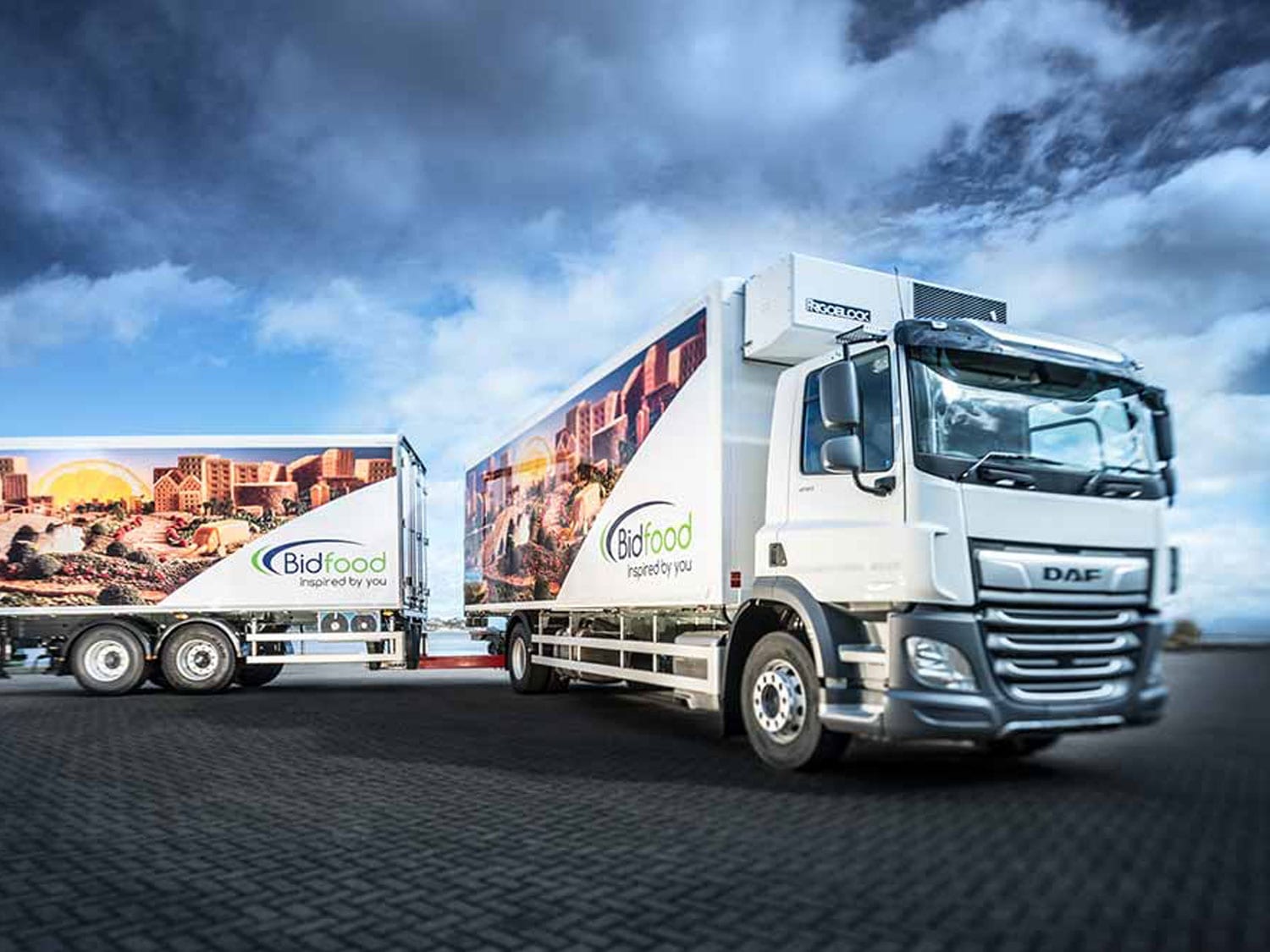
A foodservice D2C platform rebuilt around search, mobile ordering and product data depth.
At-home food ordering supported by stronger search, mobile experience and product data.